






By Adam Monaghan, Solutions Director, F One Technologies
Most small businesses have one internet connection coming into the building. It does more work than it gets credit for. Email runs over it, and so do the files you keep in Microsoft 365, the card machine on the counter and, if your phone system is cloud based, every desk phone in the office.
That is fine until the day it stops. A digger goes through a cable down the road, a fault develops at the exchange, or a piece of equipment fails. Faults like these get fixed, but not always in an hour, and in the meantime the whole office is waiting.
A backup connection is the simplest answer, and it is not as expensive or complicated as it sounds. This article explains what one is, what it will and will not do, and how to work out whether you need one.
What a Backup Connection Is
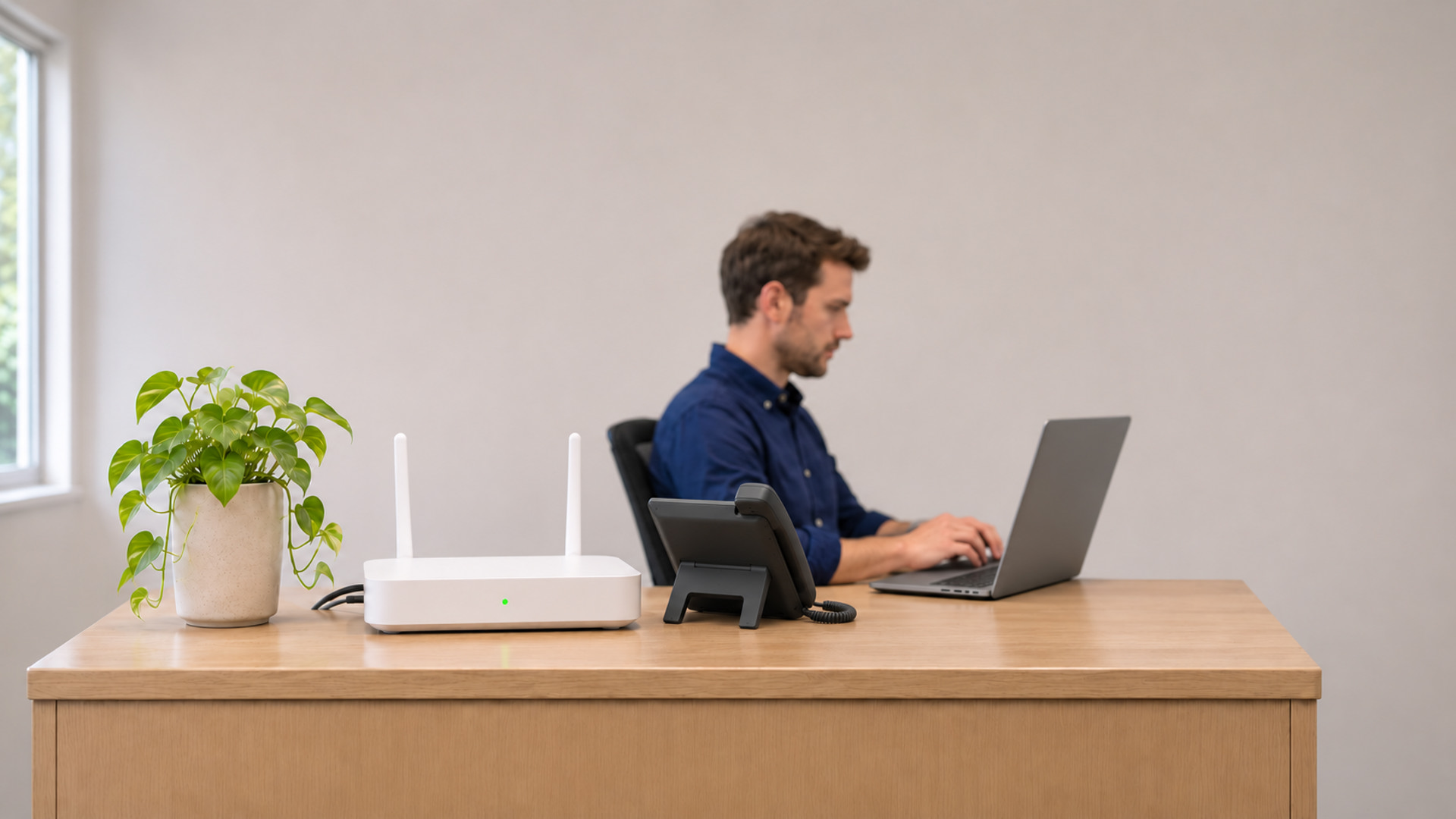
A backup connection is a second way onto the internet that does not depend on your main line. For most small offices, the practical choice is mobile broadband: a router with a SIM card in it, using the same 4G or 5G mobile networks your phone uses.
Because it arrives over the air rather than through the cable in the street, it is not affected by whatever has taken your main line down. That independence is the whole point. A second fixed line from the same cabinet could easily fail at the same moment as the first.
In normal times the backup sits there doing nothing. When the main line fails, the office moves over to the mobile connection and carries on. With the right router that changeover happens by itself, so nobody has to find a cable or remember a password while customers are waiting.
What It Will Keep Running
A decent mobile signal is enough for the things a small office most needs:
- email and web browsing
- Microsoft 365, including Teams calls and shared files
- a cloud phone system
- card payments, where the terminal uses the office network
- cloud-based software such as accounts or booking systems
In other words, the business keeps trading. Customers can still ring you, you can still take payment, and the team can still get to their work.
What It Will Not Do
It is worth being honest about the limits.
A backup connection is there to keep you working, not to match your main line. Mobile speeds depend on the signal at your building and how busy the local mast is, so large uploads and downloads will be slower and are best left until the main line is back.
It also depends entirely on coverage. If the signal is poor where your router sits, the backup will be poor too. This is why the choice of network matters more than the brand of router. We offer Vodafone, O2 and EE, and the right one is simply whichever gives the strongest signal at your address.
Finally, a small number of things rely on your main line's fixed address on the internet, such as some remote access setups and some older CCTV systems viewed from outside the office. These may not work over a mobile backup without extra setup. If you depend on anything like that, mention it before a backup is chosen so it can be planned for.
Why the SIM Matters
It is tempting to take the SIM out of a spare mobile and put it in a router. It usually works on the day, but it is the wrong tool. Phone SIMs are meant for phones, and a network can restrict one that is used in a router instead.
There is a better fit. A backup router spends nearly all its life idle, so it suits a SIM made for equipment rather than people. This kind of SIM keeps the monthly cost low and you only pay for the data the device actually uses. Over the length of an agreement that generally works out well below the cost of a standard SIM sitting unused in a cupboard.
How to Decide Whether You Need One
Not every business does. A simple way to decide is to picture a normal Tuesday with no internet from nine until five, and ask three things.
- What stops? Write a quick list: phones, payments, bookings, email, the software you run the business on.
- What could you work around? A team that can work from home, or take calls on a mobile app, has more room than a shop that cannot take card payments.
- What would the day cost you? Lost sales, missed calls and people unable to work all add up. If the answer is more than a modest monthly cost, a backup is worth having.
If you already have a backup, test it. Unplug the main line for ten minutes on a quiet afternoon and see what happens. It is far better to find a problem then than on the morning you need it.
Where to Start
If you would like to know what a backup would look like for your office, we are happy to help. We will check which mobile network is strongest at your address, look at the router you already have, and tell you plainly whether a backup makes sense for the way you work. And if your main line does go down, you ring us rather than the carrier, and we log the fault, chase it and keep you posted.
You can read more about the connections we provide on our Internet Connectivity page, or call us on 0330 221 1183.